

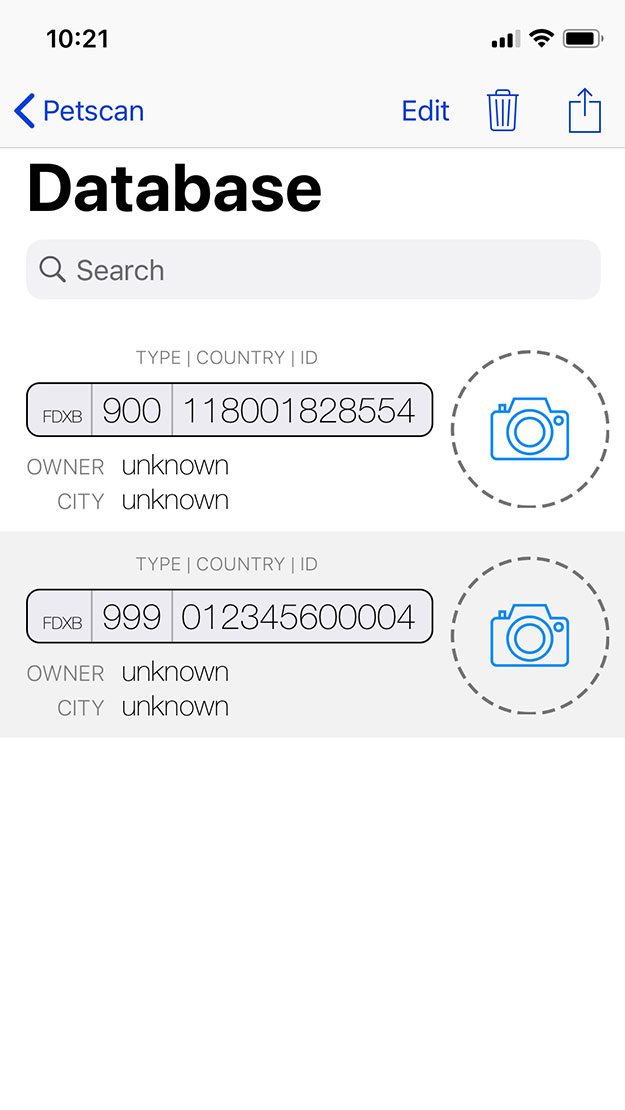


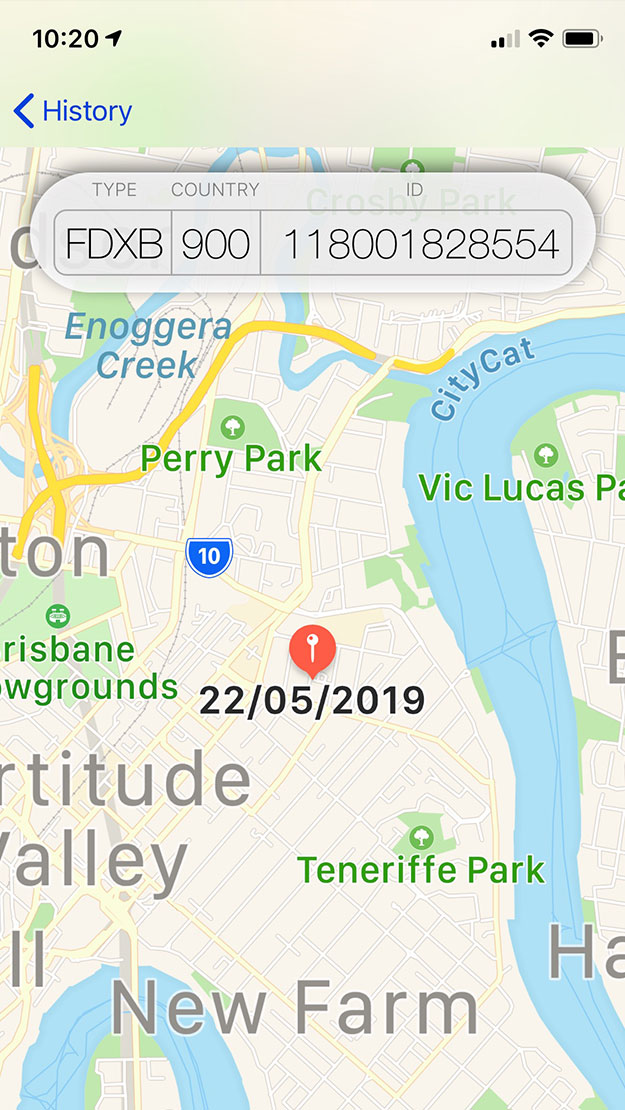
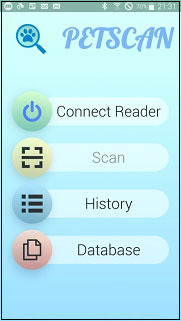
This simple to use Mobile Phone App allows Vets and authorised implanters to scan microchips, recover database information, record GPS coordinates and add additional information to animal ID records.
The PET SCAN Mobile phone App guidance PDF can be downloaded HERE
The App User Manual can be downloaded HERE
The latest version of the Android App can be downloaded from the GooglePlay Store HERE
The latest version of the iOS App can be downloaded from the AppleStore HERE
The Latest version of the Medical Records software can be downloaded HERE
The latest version of the Medical Record Software Manual can be downloaded HERE
Suitable for use in conjunction with the V8BT(RT100) Scanner, V8Mobile, RT250 or RT10

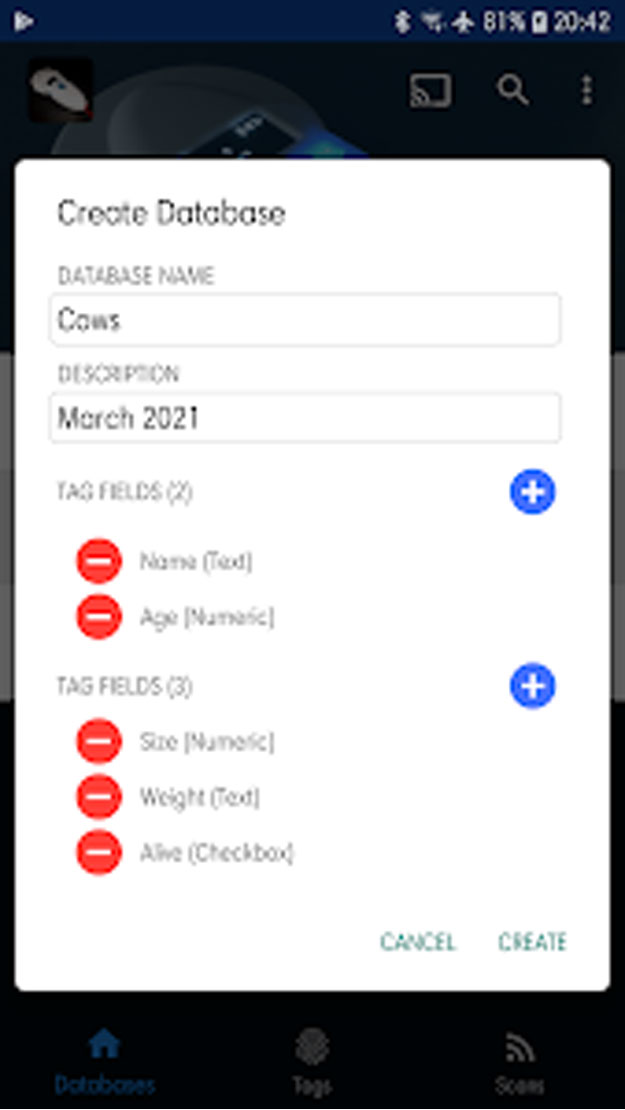

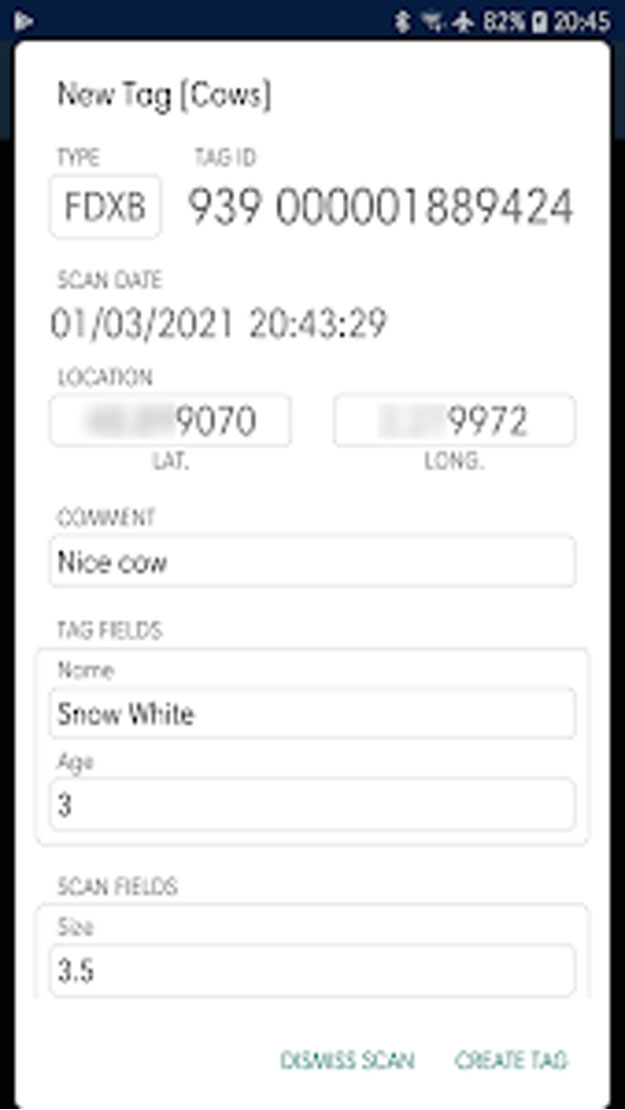
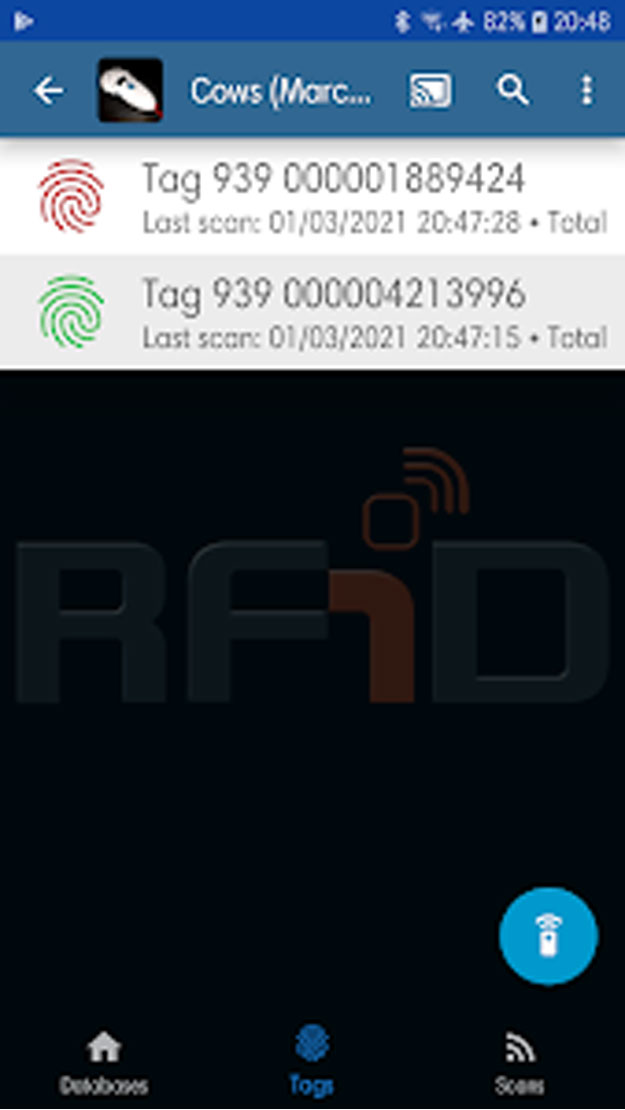

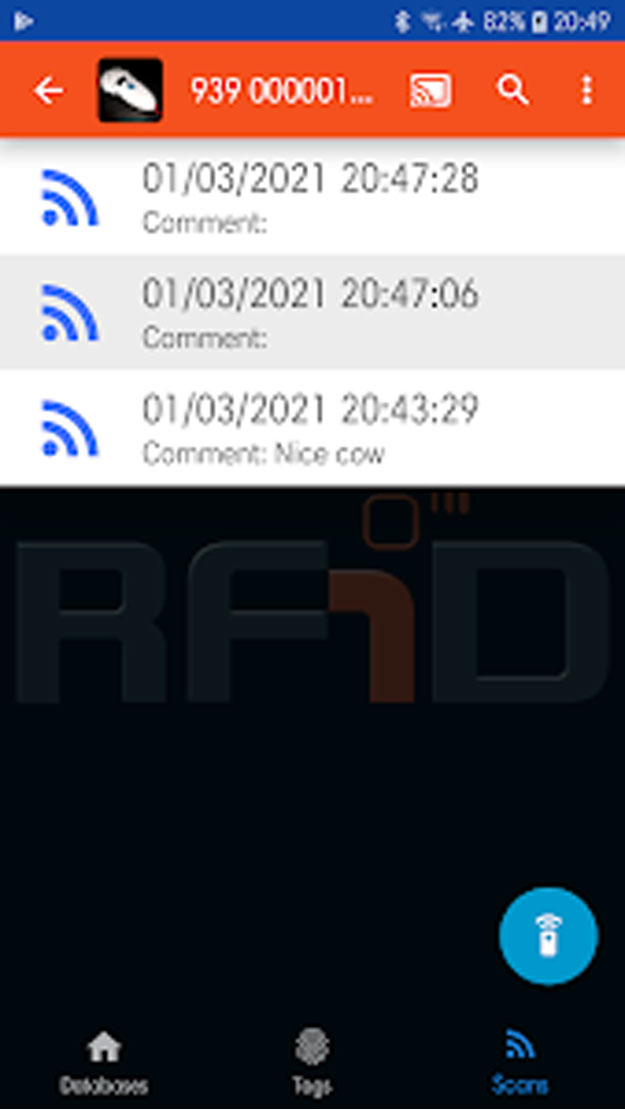
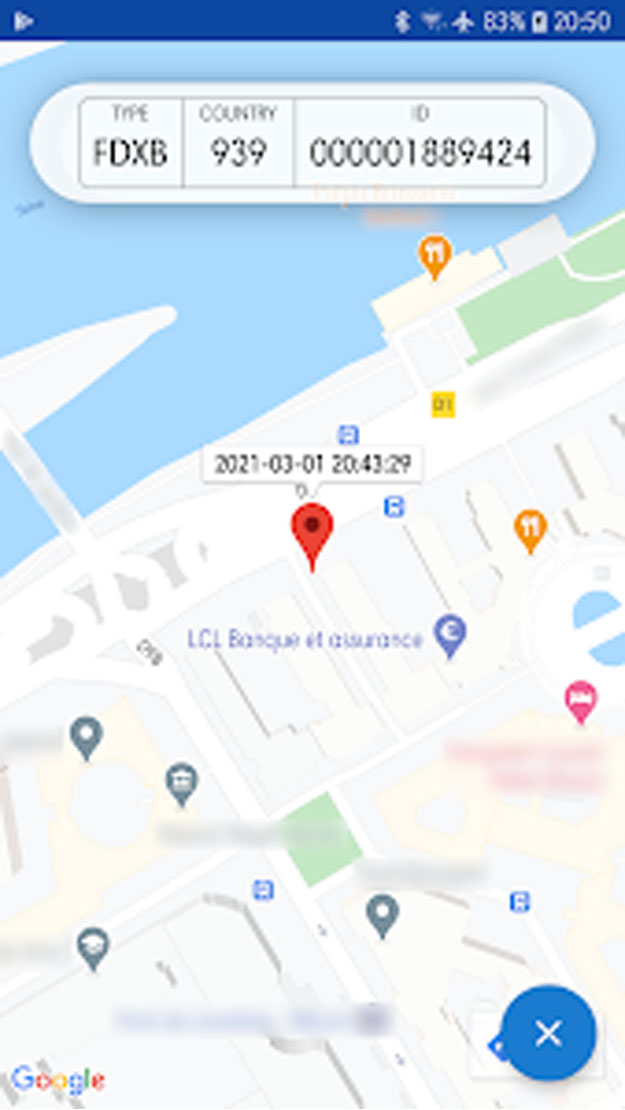
ProScan DB let owners of any RealTrace RFID readers scan tags and archive each scan in flexible databases with custom properties.
Pro Scan DB features:
- Create an unlimited number of databases, stored on device
- When a scan is made on the reader, it is stored in the currently selected database, and every scans of each tags are automatically indexed under their parent tag
- Create an unlimited number of custom fields for tags and scans
- Scans are recorded with the location (GPS coordinates)
- Supported custom field formats: text (alphanumeric), number (numeric), switch (boolean)
- Export database individually as CSV file (each row corresponds to a scan, including database, tag, custom tag properties, scan info and custom scan properties)
Download the ProScan Android App, click HERE
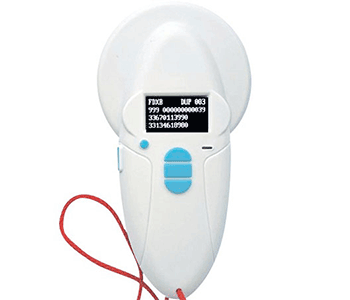
The V8BTT RT100 Bluetooth Reader/Scanner is one of the most efficient low cost readers available. The main technological advance offered by this V8 reader is that it will allow reading and display of data which can be entered in the majority of the “tags” currently marketed worldwide, provided that they comply with the ISO standard.
The latest version of the V8BT Basic User Guide can be downloaded HERE
The latest Temperature Chip Firmware Manual can be downloaded HERE
The latest version of the V8BT Timeout modification EXE can be downloaded HERE
The latest version of the V8BT Comprehensive User Manual can be downloaded HERE
To connect to a PC the latest version of the RT Driver can be downloaded HERE. Please Note: Sometimes, you may need to assign a COM port to a V8BT device connected to your Windows computer. Here’s how to do it:
- Open Windows Device Manager. Click to expand Ports (COM & LPT).
- Right-click on the target USB device. Select Properties.
- Shift to Port Settings. Click Advanced.
- Select a proper COM port identifier from the drop-down menu of COM Port Number.
- Click OK to confirm.
The latest version of the RT Terminal Software can be downloaded HERE
The latest version of the RT Driver can be downloaded HERE
Need the latest Firmware Update , email us at sales@swissplusid.com
The Firmware loader can be downloaded as a ZIP file HERE

The V8BTT RT100 Bluetooth Reader/Scanner has the ability to display additional data recorded on ISO Standard “Datachips” such as names and phone numbers.
This function is not provided as standard. To update the Reader/Scanner to display the additional Datachip information on the scanner’s screen, follow the guidance instructions HERE.
The RT Driver for the scanner needs to be downloaded to your computer first before the scanner can be updated. Download the driver HERE
After the driver is downloaded to the computer, the Loader needs to be downloaded and run. The RTV2 loader can be accessed HERE. Then the V8Contact file can be uploaded via the Loader. This is available HERE
After the scanner is updated, you can follow the instructions on how to program the microchip on Page 8 of the Petscan User Manual.
Please Note: Sometimes, you may need to assign a COM port to a V8BT device connected to your Windows computer. Here’s how to do it:
- Open Windows Device Manager. Click to expand Ports (COM & LPT).
- Right-click on the target USB device. Select Properties.
- Shift to Port Settings. Click Advanced.
- Select a proper COM port identifier from the drop-down menu of COM Port Number.
- Click OK to confirm.
Need the latest Firmware Update and Loader, email us at sales@swissplusid.com
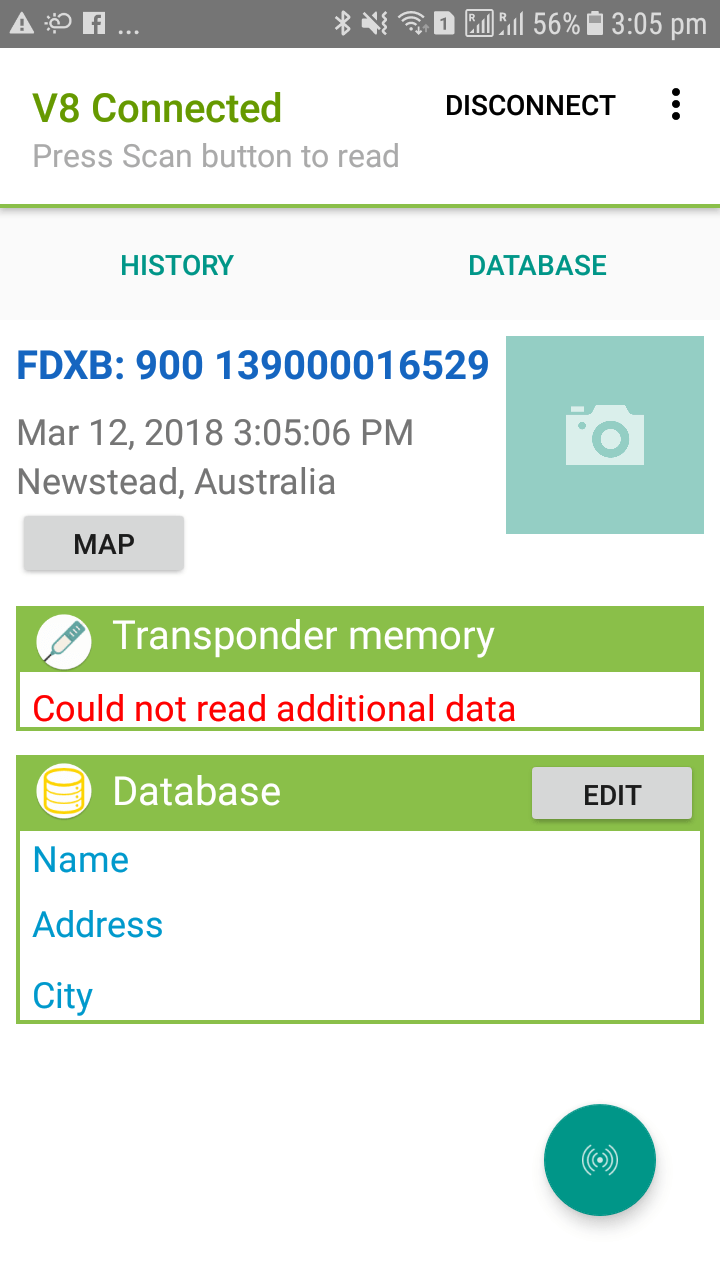
This simple to use Mobile Phone App allows Vets and livestock producers to scan microchips, recover database information, record GPS coordinates and add additional information to animal ID records.
The Livestock ID Mobile phone App guidance PDF can be downloaded HERE
The Livestock App User Manual can be downloaded HERE
The latest version of the Android App can be downloaded from the GooglePlay Store HERE
The latest version of the iOS App can be downloaded from the AppleStore HERE
Suitable for use in conjunction with the V8BT(RT100) Scanner, V8Mobile, RT250 or RT10

This simple to use software allows Vets and authorised implanters to write additional information to DataChips before implantation.
Information including the owner telephone number, email address and vaccination data can be added to the Microchip.
The latest version of Realtrace Medical Record – WOOSIT software can be downloaded HERE
The latest version of the Medical Record Software Manual can be downloaded HERE
Suitable for use in conjunction with the V8BT(RT100) Scanner, V8Mobile, RT250 or RT10.
IMPORTANT: Where the Name and phone number needs to be displayed on the reader’s screen, a special micro application must be installed into the reader.
When a chip is scanned, the micro application will be triggered, and it will try to read the additional blocks, and show the name and phone on bottom lines if it is found.
For loading the micro application into the reader, you need the Windows application RealtraceLoaderV2.exe available HERE
And the micro application is a file called v8-contact-v8m.rt8 available HERE
This simple to use software allows Vets and authorised implanters to write additional information to DataChips before implantation.
Information including the owner telephone number and email address can be added to the Microchip.
The latest version of the Phone Number Software can be downloaded HERE
The latest version of the Phone Number Software Manual can be downloaded HERE

The RT10M Mini Reader (Pocket) Scanner is the smallest RFID reader known today. Simple to use but with an effective read range equal to many larger size scanners.
The latest version of the RT10M User Manual can be downloaded HERE
The latest version of the RT Driver can be downloaded HERE
The latest version of the RT Terminal Software can be downloaded HERE
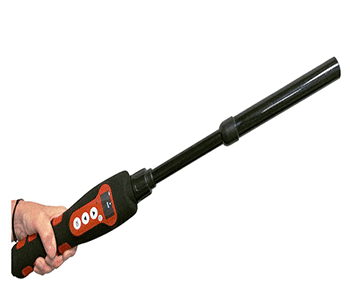
The RT250 is a robust, easy to use long reach wand scanner. Compatible with smart phones and suitable for a variety of specialist applications.
The latest version of the RT250 User Manual can be downloaded HERE
The comprehensive/developer RT250 User Manual can be downloaded HERE
The latest version of the RT (V8BT) Timeout modification EXE can be downloaded HERE
To connect to a PC the latest version of the RT Driver can be downloaded HERE. Please Note: Sometimes, you may need to assign a COM port to a RT250 device connected to your Windows 10 computer. Here’s how to do it:
- Open Windows Device Manager. Click to expand Ports (COM & LPT).
- Right-click on the target USB device. Select Properties.
- Shift to Port Settings. Click Advanced.
- Select a proper COM port identifier from the drop-down menu of COM Port Number.
- Click OK to confirm.
The latest version of the RT Terminal Software can be downloaded HERE
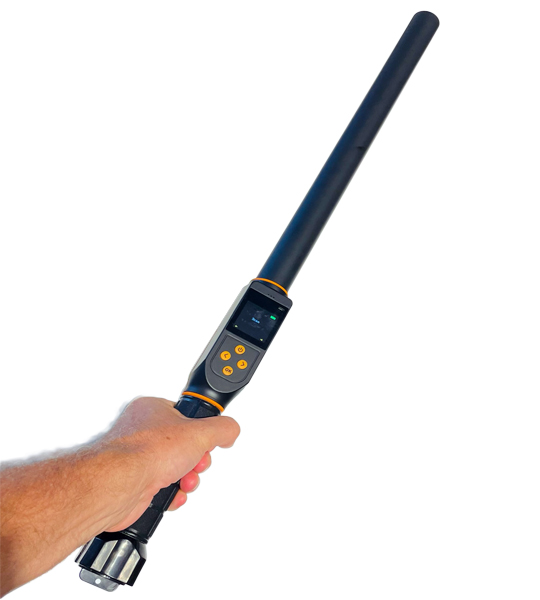
The RT600Pro is a robust, easy to use long reach IP65 wand scanner. Compatible with smart phones and suitable for a variety of specialist applications and able to be set to HID or BT connection modes.
The latest version of the RT600Pro User Manual can be downloaded HERE
The latest version of the RT (V8BT) Timeout modification EXE can be downloaded HERE
To connect to a PC the latest version of the RT Driver can be downloaded HERE. Please Note: Sometimes, you may need to assign a COM port to a RT600 device connected to your Windows 10 computer. Here’s how to do it:
- Open Windows Device Manager. Click to expand Ports (COM & LPT).
- Right-click on the target USB device. Select Properties.
- Shift to Port Settings. Click Advanced.
- Select a proper COM port identifier from the drop-down menu of COM Port Number.
- Click OK to confirm.
The latest version of the RT Terminal Software can be downloaded HERE
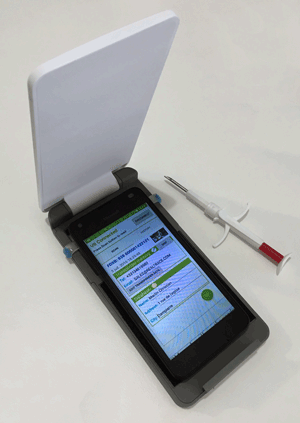
The V8 Mobile is a robust, easy to use mobile phone connected scanner. This one of a kind solution allows microchip numbers to be read and stored together with associated information or photos via the App. Connected via bluetooth the scanner operates when fitted to the phone or from a distance of up to 15 metres (16 yards).
The latest version of the V8Mobile User Manual can be downloaded HERE
The Android User Manual can be downloaded HERE
The latest version of the Android Driver can be downloaded from the GooglePlay Store HERE
The latest version of the iOS App can be downloaded HERE

The Z1001 SmartScan Multichip reader can read all brands of 9, 10 and 15 digit microchips. All electronic chips (complying with standard ISO 11784/5), FDX-A, FDX-B, FACAVA and AVID encrypted chips. It won’t read the discontinued AKC Trovan chips.
The latest version of the Z1001 SmartScan Basic User Guide can be downloaded HERE
The latest version of the Z1001 SmartScan Comprehensive User Manual can be downloaded HERE
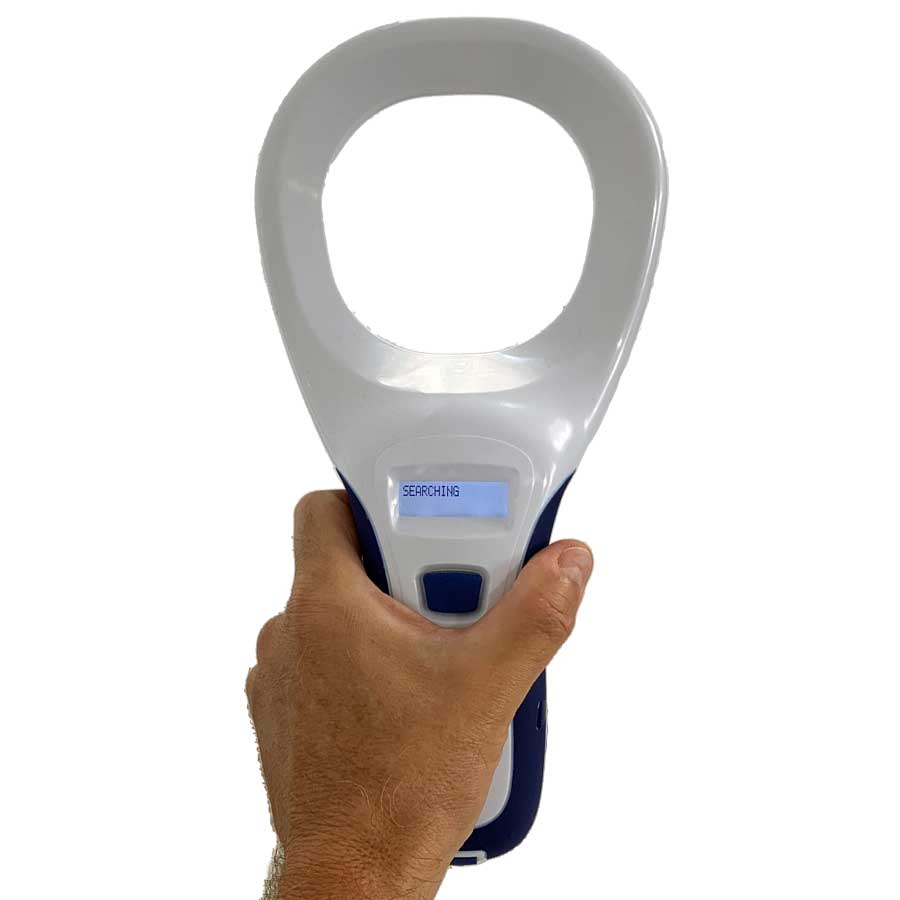
The NEW Enterprise XR+ Scanner is designed to read FDX-A (125kHz) and FDX-B (134.2kHz) transponders – with or without Temperature Sensing – that comply with the ISO 11784/11785 Standards.
Step 1 – Install PC/Desktop software, connect the scanner and configure your chosen settings.
Step 2 – If required install the App on a smartphone/device. Switch the scanner on and connect to the phone via the App. Do not connect via settings.
The latest version of the Enterprise XR+ Comprehensive User Manual can be downloaded HERE
The latest version of the Enterprise XR+ PC Software can be downloaded HERE
The latest version of Android Beta App can be downloaded HERE
New versions of Android and iOS Apps coming soon.
Got a Technical Question? Please contact us:
There are several ways to contact us